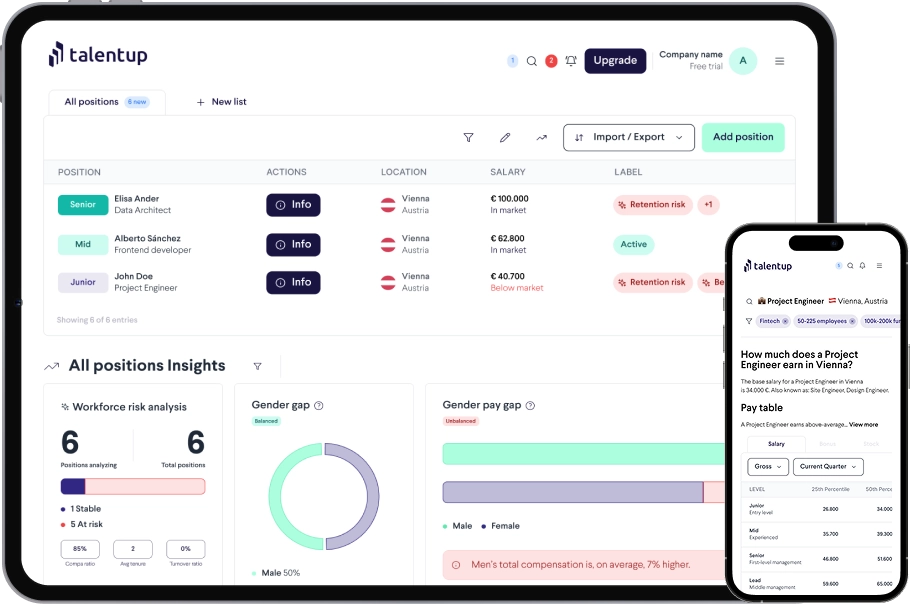
The Company Finder lets you look up salary and workforce data for specific companies by name. Instead of searching by role or location, you search by company, making it the right tool when you need to understand how a particular employer structures its compensation. Use it for competitive analysis, offer negotiations, or building a peer group for your salary strategy.
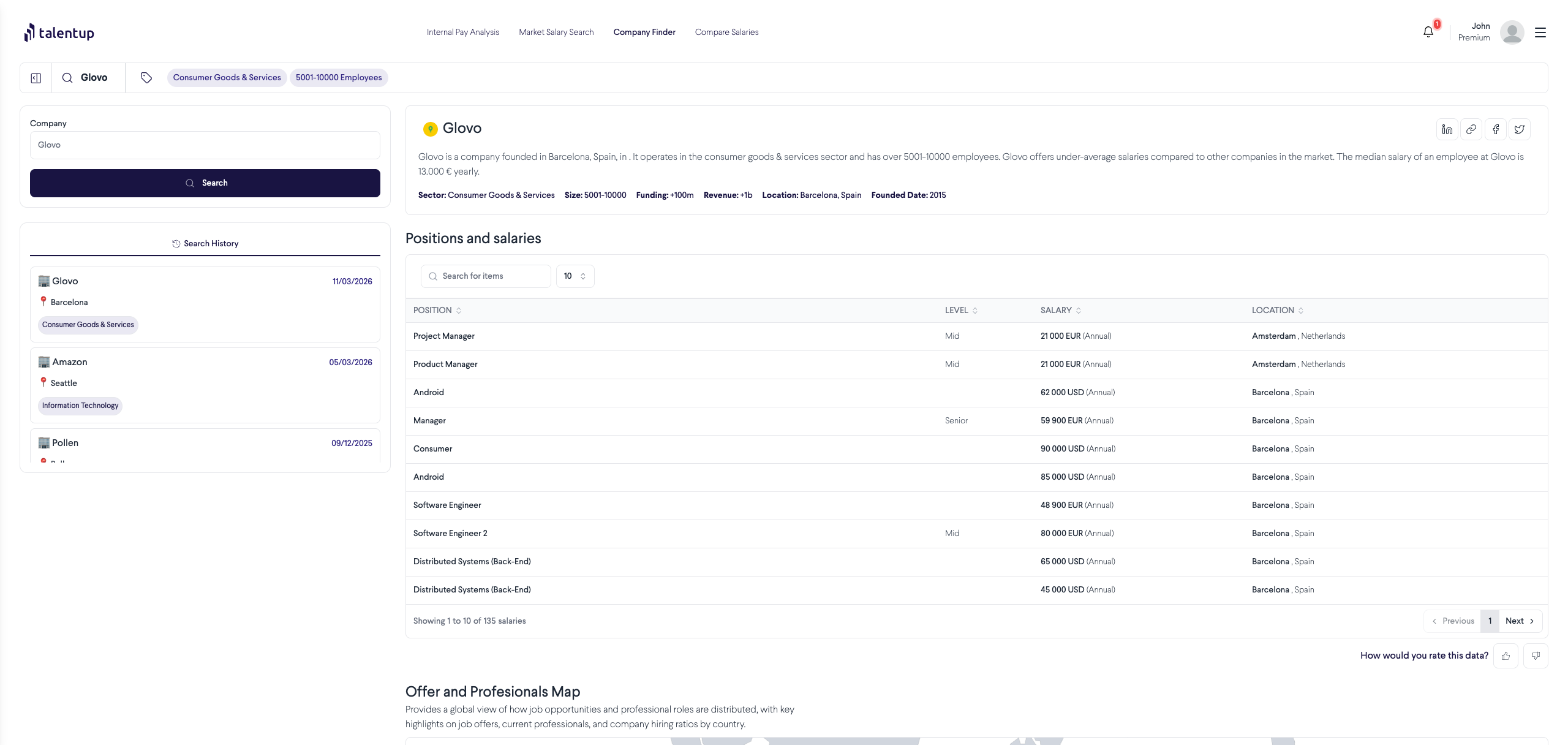
How to Search for a Company
What You’ll Find in a Company Profile
Each company profile is organized into four sections:
Company Overview
Basic identity and context data for the company:
Salary Data by Role
Salary benchmarks for the most common roles at the company, broken down by seniority level. This shows you what the company typically pays for specific positions, which is useful when preparing for a salary negotiation, responding to a competing offer, or designing a peer-referenced compensation strategy.
Workforce Distribution
A breakdown of the company’s headcount by department, location, and seniority level. This gives you a picture of their team structure and helps you understand which functions they invest in most heavily.
Hiring Activity
The roles the company has been actively recruiting for, and the locations they are hiring in. This is a useful signal of their current growth priorities and a good indicator of where talent competition may intensify in your market.
Search History
All previously searched companies appear in your Search History on the right. Each entry shows the company name, headquarters city, and industry. Click any entry to reload the profile instantly without using additional credits.