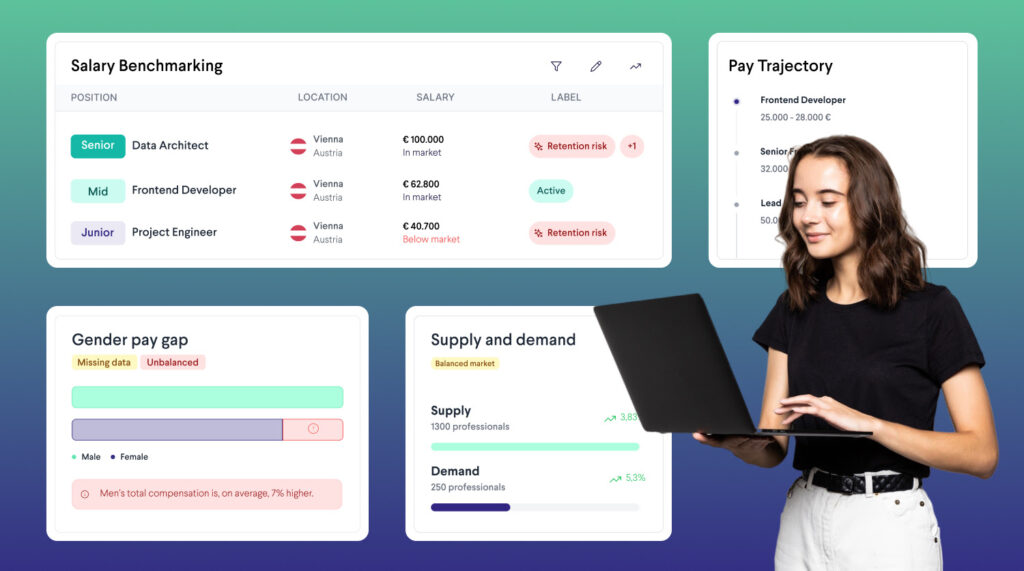
TalentUp Salary Benchmarking Platform offers seamless integrations with leading HR Information Systems (HRIS) to help organizations automate data flows, reduce manual work, and maintain accurate workforce information. By connecting your HRIS directly to TalentUp, you ensure your benchmarking insights remain up-to-date and aligned with real employee data.
Currently, TalentUp supports integrations with:
Personio
Simployer (formerly AlexisHR)
Please note that AlexisHR is transitioning to the Simployer brand. All current integrations will remain fully functional and require no adjustments.
Prerequisites
To configure the integration, you must hold owner-level access within your AlexisHR environment. Additional details are available in the AlexisHR documentation.
Creating API credentials
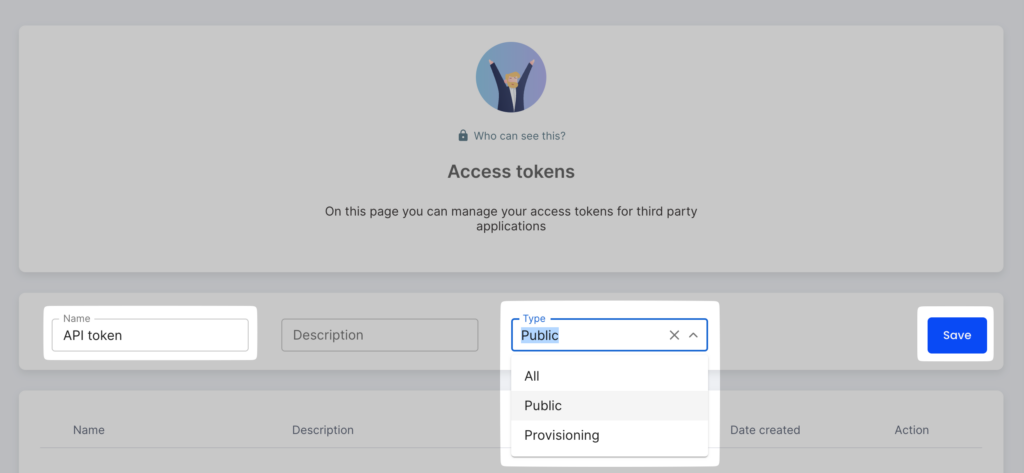
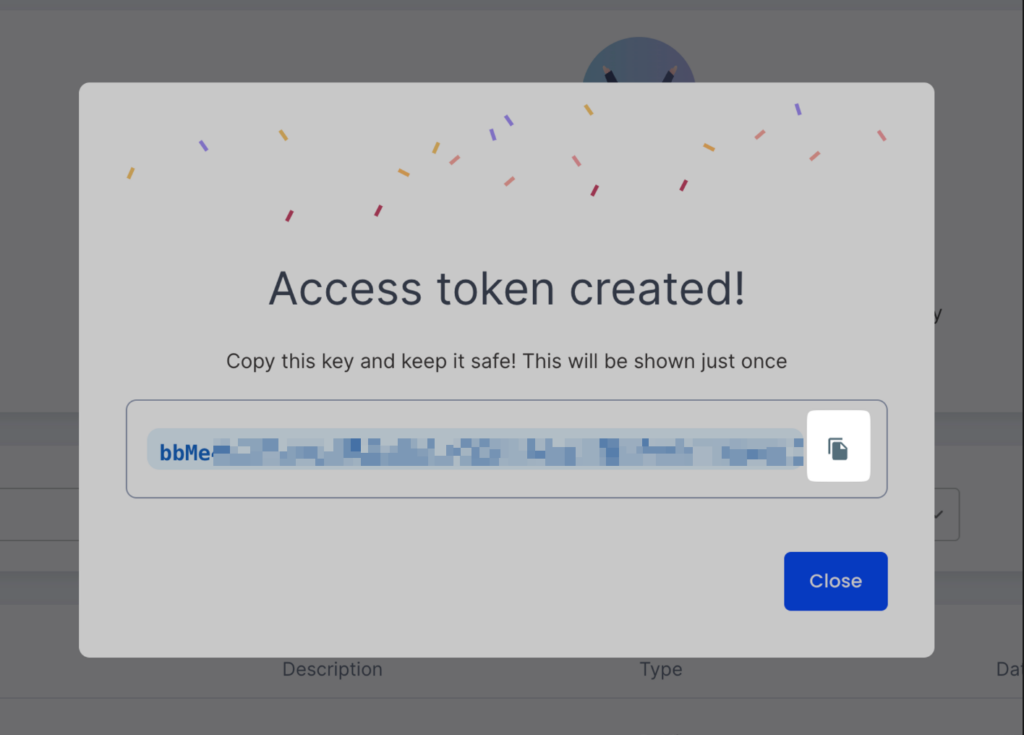
Owners can generate a new token by visiting the Access Tokens section.
TalentUp Salary Benchmarking Platform offers seamless integrations with leading HR Information Systems (HRIS) to help organizations automate data flows, reduce manual work, and maintain accurate workforce information. By connecting your HRIS directly to TalentUp, you ensure your benchmarking insights remain up-to-date and aligned with real employee data.
Currently, TalentUp supports integrations with:
Personio
Simployer (formerly AlexisHR)
Data Security & Privacy
TalentUp adheres to strict security standards in every integration. All data transfers are encrypted, access is restricted, and no information is shared with third parties. Integrations operate under GDPR-compliant processes and respect your organization’s data governance policies.
Personio HRIS: Linking Your Account
Before starting, ensure you meet the following requirements for the integration to work:
To set up the integration with Personio, your account must have access rights to these roles:
Account configuration > API is required to create the API key.
Account configuration > Marketplace Integration – needed to view the API key credentials.
To verify your access:
1. Click the Settings button in the sidebar. If you cannot see this button, it may indicate that you need additional permissions.
If you cannot follow these steps, you will not be able to set up this integration. Please ask a system administrator to assign these access rights to your account.
Find Your API Domain
Your API domain is the same as the one used to log in to Personio.
TalentUp Salary Benchmarking Platform offers seamless integrations with leading HR Information Systems (HRIS) to help organizations automate data flows, reduce manual work, and maintain accurate workforce information. By connecting your HRIS directly to TalentUp, you ensure your benchmarking insights remain up-to-date and aligned with real employee data.